Home Office Lighting to Reduce Eye Strain
Set up home office and desk lighting that reduces eye strain and screen glare, with practical guidance on positioning, brightness, color temperature, and layering.
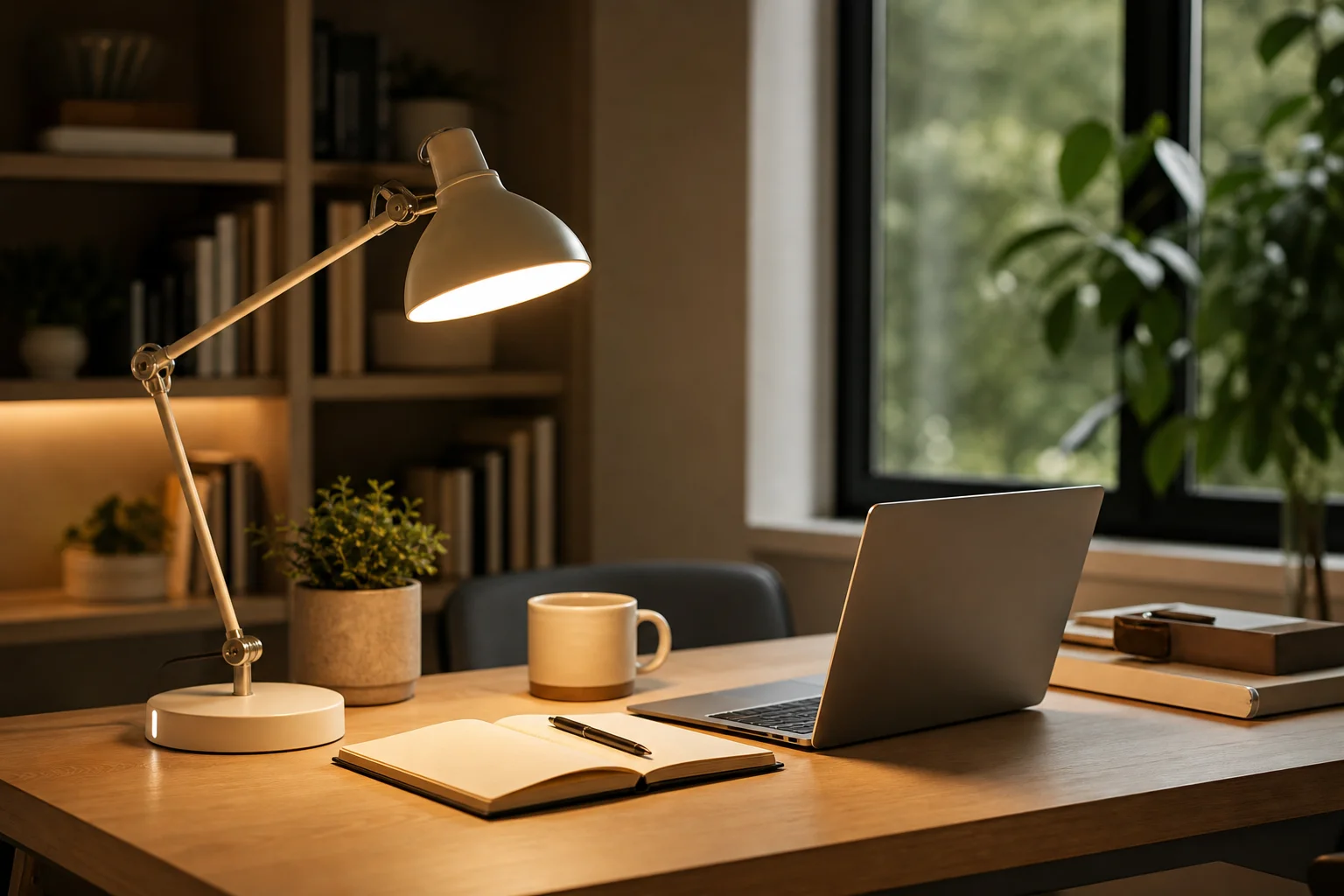
Home office lighting checklist
- Light the room, not just the screen.
- Place task light to the side to avoid glare.
- Keep windows to the side of the monitor.
- Use an adjustable, glare-free desk lamp.
- Choose neutral light for focus, warm for evening calls.
Why office lighting matters
Most eye strain at a desk comes from working in a dark room lit only by a bright screen, or from glare and harsh contrast. Good office lighting reduces that contrast and lets your eyes work comfortably for longer.
The goal is a comfortably lit room plus a focused task light, not one intense overhead fixture or a screen glowing in the dark.
Position light to avoid screen glare
Place your main task light to the side of the desk rather than directly behind or in front of the screen. Light behind you reflects off the display, and light facing you shines into your eyes.
Position the monitor so windows are to the side rather than directly ahead or behind, and use a shade or blind to control changing daylight.
Add a proper desk lamp
A desk lamp aimed at your paperwork or keyboard from the side opposite your writing hand reduces hand shadows. Choose an adjustable arm so you can direct the light exactly where you work.
Aim for a bright but glare-free task light; screen the bulb so you never see it directly at your normal working angle.
Balance the room around the screen
Add ambient light so the room is not much darker than the screen. A lamp on a nearby shelf or a floor lamp behind the desk area softens the contrast between a bright display and a dark room.
Keeping the wall behind the monitor gently lit, rather than dark, is one of the most effective ways to reduce eye fatigue during long screen sessions.
Choose color and brightness for focus
A neutral color around 3500K–4000K can feel alert and clear for focused daytime work, while a warmer 2700K–3000K suits evening use and video calls that flatter skin tones. A dimmable setup lets you move between the two.
Match the task light reasonably to the room’s other light so your eyes are not adjusting between very different color temperatures.
Frequently asked questions
What is the best lighting for a home office?
Combine a comfortably lit room with a focused, glare-free desk lamp. Keep the room from being much darker than your screen, place task light to the side to avoid reflections, and use a neutral color around 3500K–4000K for focused daytime work.
How do I reduce eye strain from screen work?
Reduce the contrast between a bright screen and a dark room by adding ambient light, especially on the wall behind the monitor. Position windows and lamps to the side rather than facing you or behind you, and control glare with shades and a screened task light.
Where should a desk lamp be placed?
Place a desk lamp to the side of the desk, on the side opposite your writing hand, so it lights the work surface without casting hand shadows or reflecting off the screen. An adjustable arm lets you aim it precisely.
Related lighting guides
- Best Lighting for Reading: A Comfortable Setup
- Ambient Lighting vs. Task Lighting
- How Many Lumens Do You Need? A Room-by-Room Guide
Guidance is based on established residential-lighting conventions. Verify room measurements, local requirements, and product instructions before installation or use.