Smart Bulbs: A Beginner’s Guide
Understand how smart bulbs work, what you need to get started, and how to choose between color and white-tunable bulbs for easy app and voice control.
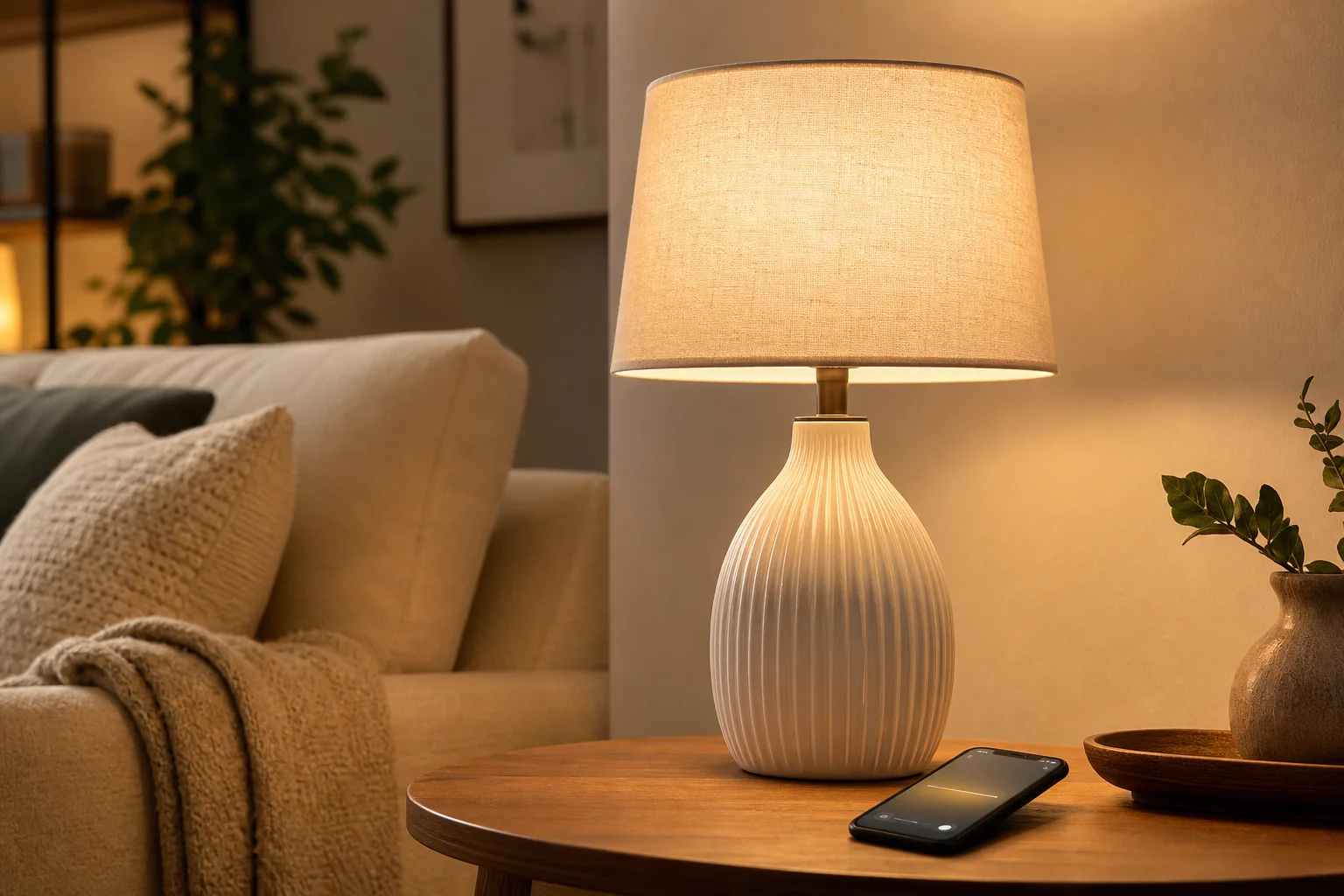
Smart bulb starter checklist
- Confirm the bulb fits your socket and fixture.
- Check Wi-Fi and whether a hub is needed.
- Decide between color and white-tunable.
- Leave the wall switch on for scheduling.
- Match your existing voice or app ecosystem.
What a smart bulb does
A smart bulb is an LED bulb you can control from a phone app or voice assistant: turning it on and off, dimming it, setting schedules, and often changing its color or white tone without a physical switch.
Most connect over your home Wi-Fi or a small hub, and many work with common voice assistants so you can control lights hands-free.
What you need to get started
At minimum you need a compatible smart bulb, a home Wi-Fi network, and the maker’s app. Some systems use a separate hub that plugs into your router for more reliable control of many bulbs at once.
Screw the bulb into a normal socket, leave the wall switch on, and set it up in the app. Because control moves to the app, remember not to cut power at the switch if you want scheduling to work.
Choose color or white-tunable
Color-changing bulbs can produce many colors plus white, which suits accent lighting and playrooms. White-tunable bulbs adjust only between warm and cool white, which is often all you need for everyday living and reading.
If you mainly want convenient dimming and schedules with a natural look, a white-tunable bulb is simpler and often less expensive than a full-color bulb.
Practical everyday uses
Schedules can fade lights on gently in the morning and down in the evening. Warm evening light and cooler daytime light are easy to set. Away-from-home schedules can make a house look occupied.
Grouping bulbs lets you control a whole room at once, and scenes can set a preset brightness and color for activities like dinner or movie night.
Buying and setup tips
Check that the bulb fits your socket and fixture, and confirm it works with the voice assistant or app ecosystem you already use. Match color temperatures across a room for a consistent look.
For a lamp you never automate, a good dimmable LED may be simpler. Choose smart bulbs where scheduling, voice control, or color really add value.
Frequently asked questions
How do smart bulbs work?
A smart bulb is an LED bulb controlled from a phone app or voice assistant instead of only a wall switch. It connects over home Wi-Fi or a small hub, letting you turn it on and off, dim it, set schedules, and often change its color or white tone.
What do I need for smart bulbs?
At minimum, a compatible smart bulb, a home Wi-Fi network, and the maker’s app. Some systems use a separate hub for more reliable control of many bulbs. Screw the bulb in, leave the wall switch on, and set it up in the app.
Should I get color or white smart bulbs?
Color-changing bulbs suit accent lighting and playrooms, while white-tunable bulbs adjust only between warm and cool white, which is often all you need for everyday living and reading. White-tunable bulbs are usually simpler and less expensive.
Related lighting guides
- Light Bulb Color Temperature Guide (Kelvin)
- Dimmable LED Bulbs: How to Avoid Flicker and Buzz
- How Many Lumens Do You Need? A Room-by-Room Guide
Guidance is based on established residential-lighting conventions. Verify room measurements, local requirements, and product instructions before installation or use.