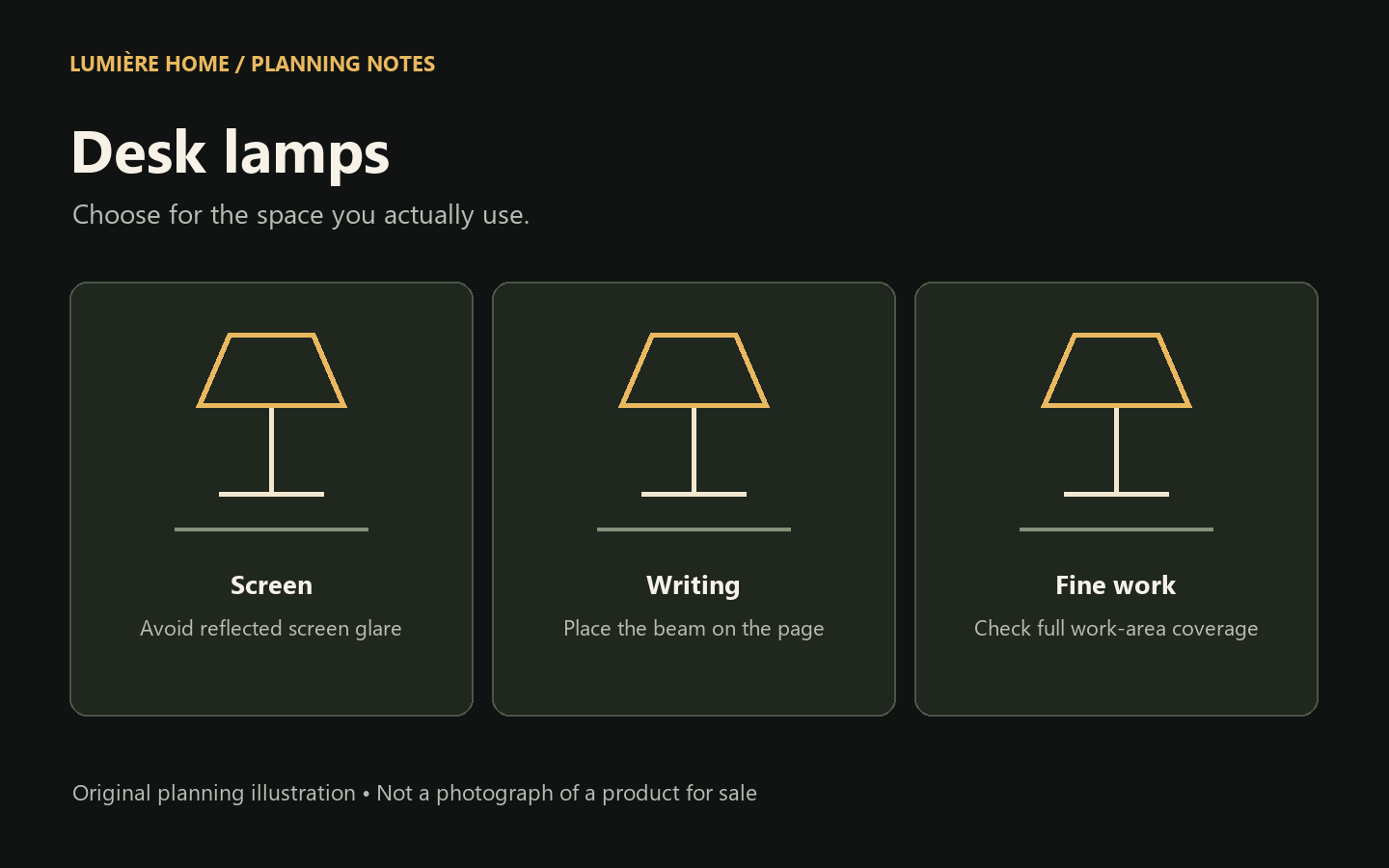
Find a desk lamp by the work you do. Compare adjustable arms, glare control, light coverage and power options before choosing a lamp for a home office or study desk.
Start here: Choose a desk lamp that directs light onto the work you need to see without shining into your eyes or reflecting on the screen. Reading paper, using a laptop and doing fine craft work need different beam positions and coverage.
Quick comparison
Design | Main advantage | Potential limitation |
|---|---|---|
Adjustable arm | Moves the beam to the task | Needs reach and joint clearance |
Clamp lamp | Keeps the desktop clear | Must fit the desk edge |
Fixed compact lamp | Simple footprint | Less beam adjustment |
Start with the work surface
Draw the desk from above and mark the monitor, keyboard, notebook and your usual seated position. The lamp needs to fit around those objects when its arm moves, not just when it is folded in a listing photograph. Check the usable reach and shade size as well as the base footprint.
If you switch between video calls and handwriting, a movable head is usually more adaptable than a fixed decorative shade. The desk lamp should supplement the room’s lighting rather than leave you looking at a bright screen in an otherwise dark corner.
Reduce reflections before adding more brightness
A visible reflection on a monitor is a placement problem as well as a brightness problem. Move the lamp so its beam reaches the page without bouncing back from the display. Check the result from your ordinary seated position, not while standing above the desk.
OSHA’s workstation guidance recommends controlling glare from windows and fixtures and positioning task lights so they do not reflect on screens. A window at the side of a screen can be easier to manage than one directly behind it or behind your chair. Blinds can help as the sun moves.
Glossy desktops and polished objects can create extra reflections. Try a matte writing pad beneath paperwork, change the lamp angle and adjust the screen position before assuming you need a brighter bulb. A shade or glare shield can also keep the light source out of your direct view.
Compare the physical designs
An adjustable arm gives you reach across a larger work surface. Check whether the joints hold their position and whether the adjustment range is stated. A small fixed-head lamp saves space but may force you to move the entire base whenever the task changes.
A clamp lamp can free up the desktop. Measure the desk edge thickness and check for drawers, cable trays or a beveled edge that could prevent secure mounting. A weighted-base design is easier to move, but its base occupies usable space and needs a stable surface.
A monitor light bar is another layout option, although it is not automatically suitable for every screen or desk. Verify the mounting dimensions and the direction of the beam. Avoid treating a product category name as proof of compatibility with your monitor.
Understand the specification sheet
Look for stated light output, beam coverage and dimming rather than relying on a “bright” label. Lumens measure output, while Kelvin describes the light’s color appearance. An adjustable tone can suit different preferences, but it cannot compensate for poor placement or an undersized beam.
Check whether the light source is replaceable, how the lamp is powered and what is included. USB-powered does not necessarily mean rechargeable. A lamp that needs a cable connected during use is different from a battery lamp that can operate after charging.
If you want dimming, verify it for the exact model. For a replaceable-bulb lamp, confirm bulb and control compatibility. For an integrated-LED model, check the stated controls and the service or replacement information. More settings are useful only if you can reach and understand them during ordinary work.
Choose for your desk routine
For mostly screen work, prioritize positioning and gentle illumination of nearby papers. For frequent reading, look for an adjustable head that reaches the page. For drawing or detailed assembly, check whether the beam covers the full work area without strong shadows.
Place the light on the side that reduces the shadow cast by your writing hand, then test it with the work you actually do. Do not use a universal left-or-right rule if the monitor, window or desk shape creates a different glare problem.
Our compact cordless mushroom lamp is intended as ambient or accent lighting; its task-light output is not verified. It can add atmosphere to a shelf near a desk, but a dedicated desk lamp with appropriate specifications is the better starting point for work. Browse the task-light category and evaluate each model on its own details.
Questions before you buy
Is a cooler desk lamp always better?
No. Color appearance and useful illumination are different. Choose an appearance you find comfortable and make sure the beam reaches the task without glare.
Is USB power the same as battery power?
No. Check for a stated rechargeable battery and cordless operation. Some USB lamps must remain connected to a power supply.
Explore the right lighting category
Browse the related Lumière Home collection. Compare each listing’s dimensions, power source, included parts and installation requirements before ordering. The category contains different models; specifications do not transfer from one product to another.
Sources and editorial approach
Written by Lumière Home. This is a planning and shopping guide, not a laboratory test or an independent review of every product shown in the collection. Illustrations are original planning diagrams, not photographs of products for sale.
Written by Lumière Home